
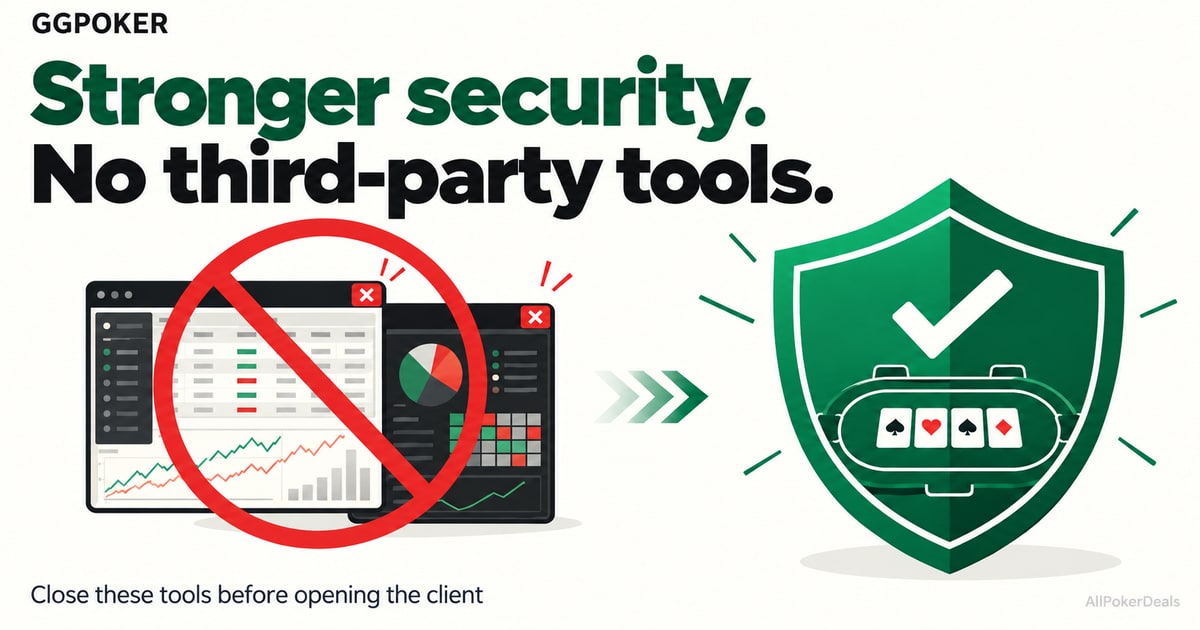
In its announcement of October 15, 2026, GGPoker asks players to fully close programs such as Jurojin, PokerTracker 4 and Hand2Note before opening its client. The statement does not specify an effective date or a grace period for this policy update. The restriction on third-party software is part of five security measures.
Timing and rollout of the measures
BetKings players also have reason to pay attention: its terms refer to GGPoker's rules. However, the announcement does not name BetKings or set out a separate rollout schedule for its features.
Programs to close before opening GGPoker
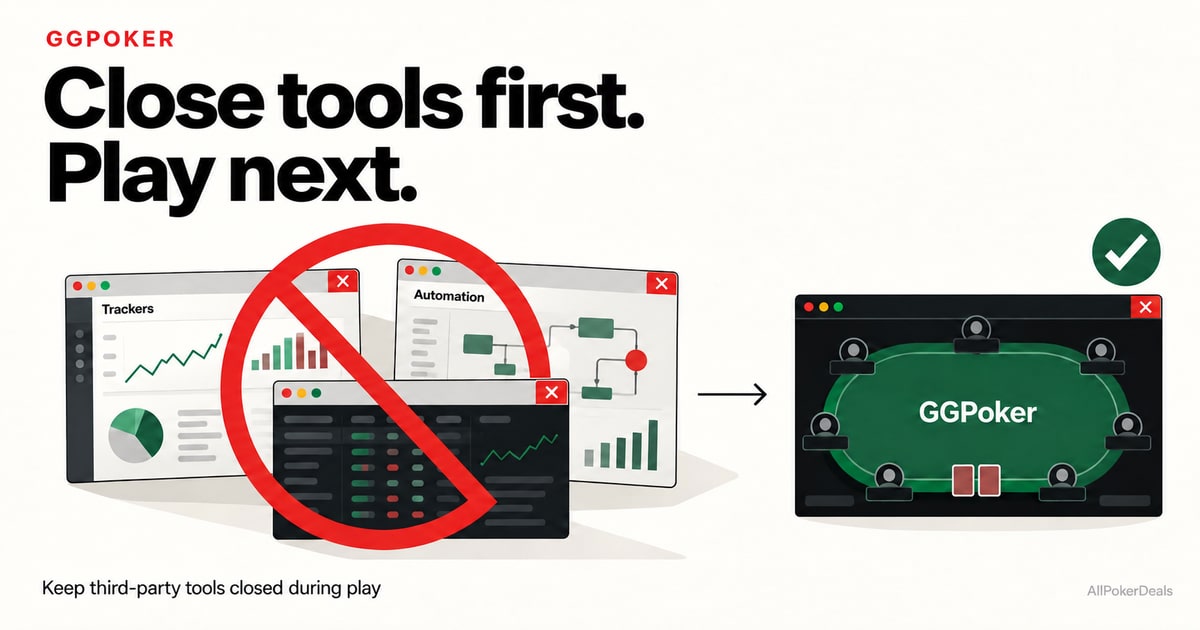
The ten programs named by GGPoker
The statement names the following programs. This is not an exhaustive list:
- Jurojin
- PokerTracker 4
- Hand2Note
- Holdem Manager 3
- StarsCaption
- DriveHUD 2
- Intuitive Tables
- Lobbyze
- Equilab
- AutoHotkey
The policy update also covers table-management and automation tools. According to GGPoker, some utilities previously permitted because they did not affect gameplay are no longer allowed under the revised policy.
The instruction concerns running these tools alongside the client. The announcement does not require players to uninstall them or detail the conditions for studying with them outside a session.
The five measures at a glance
| Measure | What changes | What players should do |
|---|---|---|
| Client security | Screen Guard and checks for connections, processes and DNS. | Review the optional features available in Client Security. |
| WAD monitoring | Reviews decisions against the cards the opponent actually held. | An operator-side control; players do not need to activate it. |
| Third-party software | Broader restrictions on poker software and automation tools. | Fully close the named applications before launching GGPoker. |
| Operating systems | Support for older versions will end during 2027. | Check your computer's compatibility and security updates. |
| Incident investigation | Communication with Coinbase, authorities and funds-tracing networks. | Follow official updates; reimbursement has not been confirmed. |
Screen Guard and the client's security controls

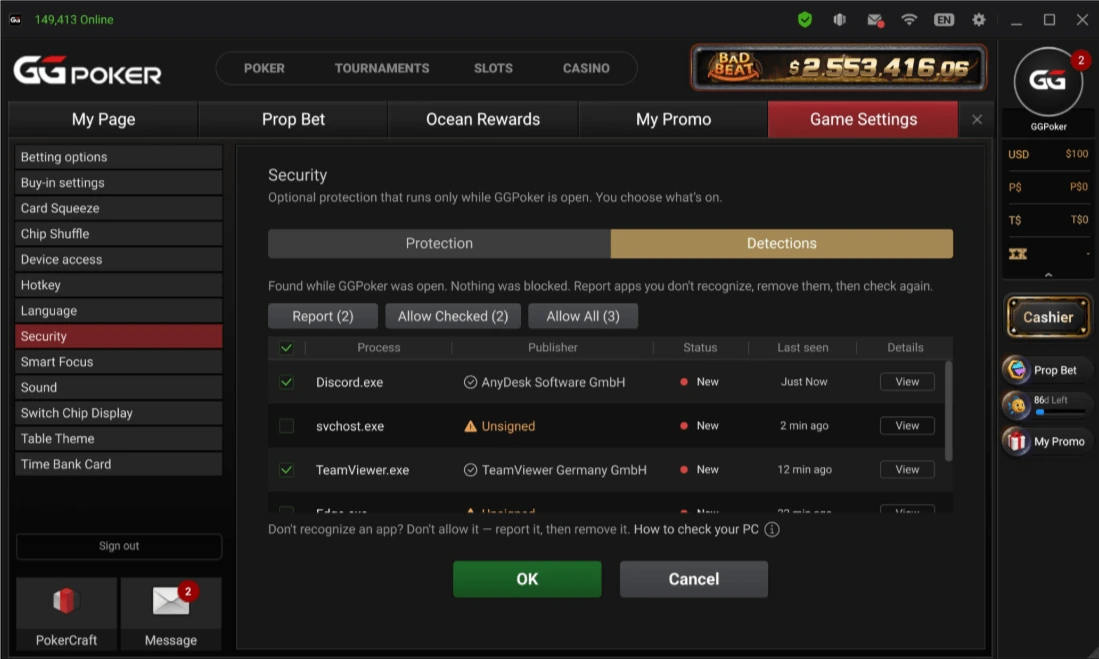
Client Security, within Game Settings, includes optional features that run while GGPoker is open. Screen Guard is designed to keep tables and hole cards out of screenshots, recordings, screen shares and remote-viewing applications.
The Protect the whole Client option extends protection to the lobby, cashier and account pages. Connection Monitor alerts players to suspicious connections, such as those associated with remote-control tools or proxies. Allowed Processes lets players identify trusted applications to avoid alerts, while DNS Check looks for signs of DNS hijacking on the network.
These features protect the session within the scope described by GGPoker. The operator itself makes clear that they do not replace antivirus software or protect the entire computer.
What the WAD system analyzes
GGPoker is adding a monitoring method called Abnormally High Win-Rate, or WAD. According to its explanation, the system reviews decisions in each hand against the cards the opponent actually held, looking for patterns of accuracy inconsistent with the information available to an honest player.
The stated aim is to detect behavior that could reveal knowledge of hidden cards. This does not simply mean flagging players who win a lot: the described test concerns decisions made against information a player should not know. GGPoker says testing identified past cases, but it has not published its thresholds or independent validation of the method's effectiveness.
What the announcement means for BetKings players
BetKings' official terms state that use of its platform is governed by GGPoker's terms and refer to its security policy. This relationship makes the announcement relevant to players using BetKings.
The available documentation establishes the applicable reference rules, but does not confirm that every new option is already available in all versions of the BetKings client. Check the notices in your application and contact support if you need confirmation of availability or compatibility before playing. The GGPoker and BetKings reviews on AllPokerDeals provide more information about both rooms.
Which operating systems will lose support in 2027?
GGPoker says it will end support during 2027 for Windows 7, 8 and 8.1, as well as macOS 11 Big Sur and earlier versions. The announcement names Windows 10 and macOS 12 Monterey as the minimum versions for the transition, but does not specify the date of the change.
Compatibility announced for 2027
| System | Versions losing support | Minimum named by GGPoker |
|---|---|---|
| Windows | Windows 7, 8 and 8.1 | Windows 10 |
| macOS | macOS 11 Big Sur and earlier | macOS 12 Monterey |
Client compatibility and manufacturer security support are different: meeting the room's stated minimum does not guarantee that an operating system receives security updates. Check both before upgrading your computer.
The incident investigation and next steps
The operator says it traced funds and provided Coinbase with an address linked to the incident, where it believes the funds were deposited. It also says it informed authorities and networks that track illicit funds. These steps do not confirm that the money has been recovered or amount to a reimbursement commitment with dates or amounts.
Before your next session
- Fully close the third-party software and automation tools identified by GGPoker.
- Review the Client Security options available in your client.
- If you play on BetKings, check its notices and ask support which features are available.
- Keep your operating system and antivirus updated; review unfamiliar remote-access applications.
- Enable the available account protections: 2FA, passkeys and a Fund password.
You can also compare poker rooms and browse available poker deals. Learn about our commercial relationships in our affiliate disclosure.